
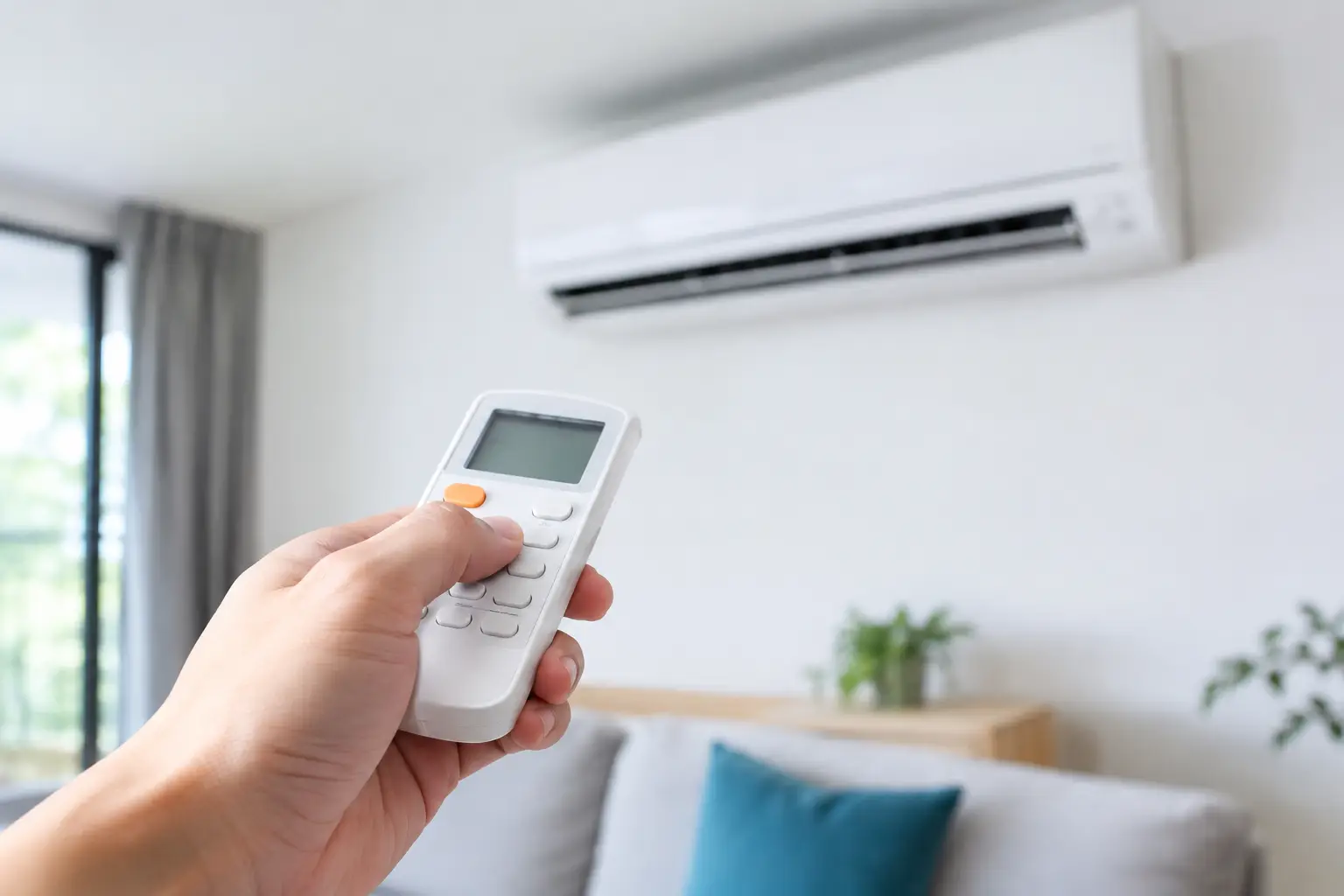
A remote that suddenly stops responding can turn a comfortable home into a frustratingly warm or cold one. Before assuming the air conditioner has failed, learning how to troubleshoot aircon remote issues can often reveal a simple fix - and help you decide when a professional repair is the right next step.
Start with the simple checks
Most aircon remote problems come down to power, signal or settings. Begin by standing close to the indoor unit and checking whether anything appears on the remote display. A blank, faded or flashing screen usually points to flat batteries.
Replace both batteries at the same time, even if only one appears weak. Use fresh batteries of the correct type and check that the positive and negative ends are fitted correctly. Battery contacts can also become dusty or corroded, particularly in remotes that have sat unused over winter. Gently wipe the contacts with a dry cloth before fitting the new batteries.
If the screen is working but the unit does not react, make sure there is nothing blocking the receiver on the indoor unit. Curtains, tall furniture and even a build-up of dust around the front panel can interfere with the signal. Point the remote directly at the unit from a short distance and try again.
How to troubleshoot aircon remote settings
A functioning remote can still appear faulty when its settings do not match what you expect the system to do. Check the mode first. Many systems cycle through cooling, heating, dry, fan and auto modes, often shown by a snowflake, sun, droplet or fan symbol.
For cooling, select the snowflake symbol and set the temperature several degrees below the room temperature. For heating, choose the sun symbol and set it several degrees above the current room temperature. If the system is set to fan-only mode, it will move air without actively heating or cooling it.
Auto mode can be useful for everyday comfort, but it may not respond immediately. The unit decides whether to heat or cool based on the temperature it detects, which can feel unpredictable if the room is already close to the set point. Switching temporarily to cooling or heating gives you a clearer test.
Also check whether a timer, sleep function or weekly programme is active. A timer can prevent the system from starting when you expect, or turn it off shortly after it begins. Look for clock symbols or timer indicators on the remote screen and cancel them if you are testing the system.
Check for a lock or child-lock function
Some remotes have a lock function that prevents buttons from changing the settings. This is useful in family homes and small commercial spaces, but it can be activated accidentally. A padlock icon on the display is the usual clue.
The button combination varies by manufacturer, although it commonly involves holding two temperature buttons together for several seconds. Refer to the instructions for your model if available. Avoid pressing random combinations repeatedly, as this can change advanced settings that are harder to restore.
Test whether the remote is sending a signal
Most standard aircon remotes use an infrared signal, which is invisible to the human eye. A simple mobile camera test can help confirm whether the remote is transmitting.
Open the camera on your mobile, point the remote’s transmitter end towards the lens, then press a button while watching the screen. On many mobiles, a working infrared transmitter appears as a flashing white or purple light. If you see a light, the remote is likely sending a signal and the issue may be with the indoor unit receiver, its power supply or its settings.
If there is no visible light after fitting new batteries, the remote itself may be faulty. Keep in mind that some mobile cameras filter infrared light, so this test is a useful guide rather than a final diagnosis.
Wi-Fi controllers and some smart systems work differently. They may rely on a home network, app connection or wall-mounted controller rather than an infrared signal. If your smart controller is offline, check that your Wi-Fi is operating and that the controller has power before assuming the air conditioner is at fault.
Reset the remote and the air conditioner
A reset can clear a temporary communication issue. Start with the remote: remove the batteries, press and hold the power button for around 10 seconds, then wait a minute before installing fresh batteries. If the remote has a recessed reset button, use it only as directed by the manufacturer.
For the air conditioner, turn the system off at the remote, then isolate power at the wall switch or circuit breaker if it is safe and accessible. Leave it off for five minutes before restoring power. Once restarted, wait a few minutes for the indoor unit to initialise before testing it again.
Do not remove covers, touch wiring or attempt to reset components inside the unit. Air conditioning systems contain electrical parts that require qualified diagnosis, particularly when a fault persists after a safe power reset.
When the remote is not the real problem
Sometimes the remote works perfectly, but the system is unable to start or operate normally. Signs that point beyond the remote include beeping without the unit starting, flashing lights on the indoor unit, unusual noises, water leaks, weak airflow or a system that runs but does not heat or cool.
A tripped circuit breaker, disconnected outdoor unit, blocked filter or system fault can all produce symptoms that feel like a remote issue. Ducted systems can add another layer, as the wall controller may be operating correctly while a zone, actuator or central component is causing the problem.
If the air conditioner has recently had a power interruption, renovation work nearby or repeated shutdowns on very hot days, a technician should assess it. Continuing to reset or force a struggling system to run can make diagnosis more difficult and may place extra strain on components.
Know when to book a repair
Replacing batteries, checking settings and restarting the system are sensible first steps. Beyond that, a professional assessment is the safer option when the remote has power but the unit will not respond, the indoor display shows an error code, or the system keeps tripping the circuit breaker.
It is also worth arranging service if the remote only works intermittently. The cause may be as simple as a damaged remote or receiver, but intermittent faults can also indicate electrical or communication issues. An experienced technician can test the controller, receiver and system operation properly, then recommend the most practical repair or replacement.
For older systems, replacing a damaged remote may be cost-effective if the air conditioner is otherwise operating well. If the system has recurring faults, poor performance or rising running costs, the better long-term answer may be servicing, repairs or an updated smart control solution tailored to the property.
Keep future remote problems to a minimum
Store the remote somewhere dry and out of direct sun, rather than leaving it on a windowsill or near moisture-prone areas. Replace batteries before they leak, and avoid dropping the remote, as internal damage is not always visible. A quick clean of the indoor unit filters and regular professional servicing also helps ensure that a genuine system issue is not mistaken for a remote problem.
When comfort is not returning after these checks, booking a qualified repair provides a clear answer without the guesswork. A properly diagnosed system is the fastest way to get your home or business back to reliable, efficient temperature control.